
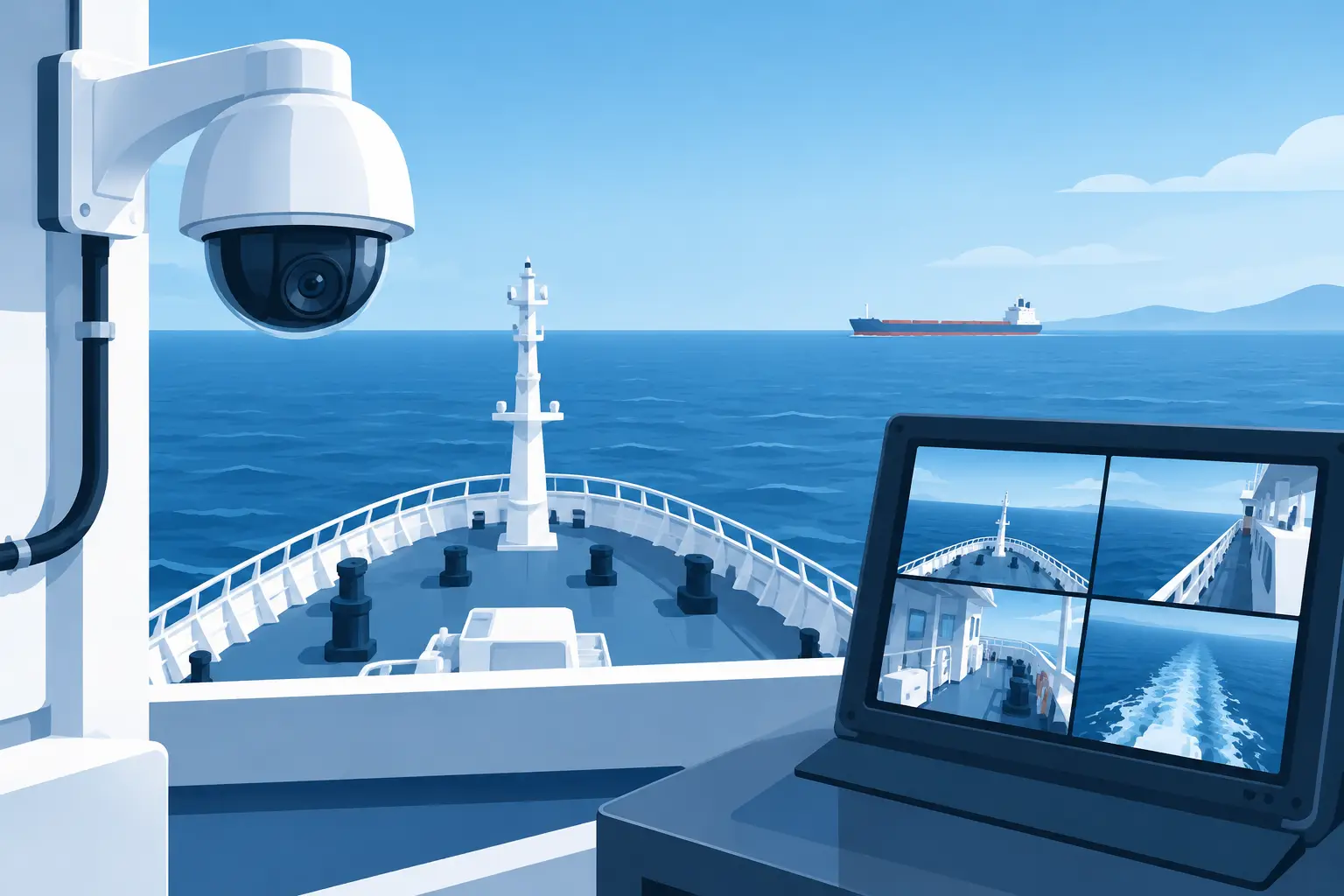
A camera system that works at the dock but fails during heavy weather is not security infrastructure. To set up vessel CCTV properly, operators must account for vibration, salt exposure, unstable connectivity, restricted cable routes, and the operational reality of a working vessel. The objective is not simply to add more cameras. It is to create dependable visual coverage that supports safety, security, incident review, and management oversight.
For ship managers, captains, engineers, and procurement teams, the right design starts with the vessel’s risk profile. A crew transfer vessel, tanker, offshore supply vessel, dredger, and cargo ship all have different blind spots, access risks, and recording requirements. A top-of-the-line marine surveillance system is built around those conditions, not around a standard office security layout.
Start With the Vessel’s Operational Risks
Before selecting cameras or recorders, identify what the system must prove, prevent, or monitor. This decision drives camera placement, lens selection, storage capacity, and network architecture.
On many commercial vessels, the highest-priority areas are exterior decks, gangways, access points, bridge approaches, cargo handling zones, engine room entrances, machinery spaces, steering gear areas, and fuel transfer points. Offshore support operations may also require coverage of crane activity, work decks, subsea equipment deployment areas, and personnel transfer zones.
The key question is simple: if an event occurs, will the footage show who was present, what happened, and where it happened? A wide-angle overview camera can establish context, but it may not identify a person at a distance or capture a critical control panel clearly. In higher-risk areas, pair broad scene coverage with tighter views of gates, doors, ladders, equipment stations, or transfer points.
Do not assume every vessel needs the same camera count. More cameras can improve coverage, but they also increase cable runs, power demand, network traffic, recorder channels, and maintenance exposure. The best service provider will help define a practical system scope that protects the vessel without creating an unnecessarily complicated installation.
Choose Marine-Grade Hardware, Not General-Purpose Equipment
A vessel CCTV system faces conditions that land-based equipment rarely sees. Salt spray, condensation, heat, direct sun, wind-driven rain, engine vibration, and vessel movement can shorten the life of poorly specified hardware.
Exterior cameras should be selected for marine conditions, with suitable corrosion resistance, weather protection, and operating temperature performance. The housing, mounting hardware, glands, connectors, and cable protection matter as much as the camera itself. A high-quality camera mounted with unsuitable brackets or exposed connections can become a recurring maintenance cost.
For exterior coverage, infrared illumination may help at night, but it is not always the best answer. Fog, sea spray, rain, and reflective surfaces can reduce infrared performance. In some applications, low-light camera sensors and carefully positioned white-light illumination provide more useful identification footage. The correct choice depends on the distance to the target, ambient light levels, and whether the vessel operates near ports, offshore installations, or open water.
In machinery spaces, camera selection must consider heat, vibration, and low ambient light. Areas with hazardous atmospheres require equipment rated for the applicable zone classification. Never treat hazardous-area compliance as an add-on after installation planning. It affects camera type, enclosures, glands, power arrangements, installation methods, and certification requirements from the start.
Set Up Vessel CCTV With a Clear Camera Plan
A camera plan should show the purpose of every device before an installer pulls cable. Each camera needs a defined view, mounting height, field of view, nighttime requirement, and recording priority.
Start with access control and perimeter visibility. Cover boarding points, gangways, accommodation entrances, restricted doors, and any route that allows unauthorized access to critical areas. Cameras should capture faces at usable detail where identification is required, not merely record distant movement.
Then address operational coverage. Deck cameras should be positioned to observe loading, transfers, lifting work, and crew movement without being blocked by containers, pipework, cranes, or temporary equipment. Vessel layouts change during operations, so avoid placing cameras where a normal work configuration will repeatedly obstruct the view.
Bridge and engine room coverage must be handled carefully. The purpose is usually event investigation, safety review, or protection of critical assets, not disruption of crew activity. Camera locations should respect operational sightlines, avoid glare on navigation screens, and remain accessible for service without interfering with equipment access.
A site survey is worth the time. During the survey, verify mounting surfaces, cable pathways, power sources, lighting conditions, electromagnetic interference risks, and the practical serviceability of every location. A camera that requires unsafe access for routine cleaning or replacement is a poor long-term installation decision.
Design the Network and Power System for Vessel Conditions
Marine CCTV performs only as well as its network and power foundation. Cameras, network switches, wireless bridges, recorders, and remote access equipment must be designed as one system.
Power over Ethernet can reduce separate power cabling and simplify many installations. However, the switch must have enough power budget for all connected cameras, especially models with heaters, illumination, pan-tilt-zoom functions, or environmental accessories. Allow capacity for startup loads and future expansion rather than sizing the switch to the exact calculated minimum.
Use marine-suitable cabling, protected routes, correct penetrations, and secure terminations. Cable runs through exposed decks, machinery spaces, and bulkheads need careful planning to prevent water ingress, chafing, and vibration damage. Segregate CCTV cabling from high-power conductors where practical, and use appropriate surge protection for exposed equipment and long runs.
The network should also be segmented from general crew or guest connectivity. Separating surveillance traffic improves security, makes troubleshooting easier, and prevents noncritical use from consuming bandwidth needed for recording or remote viewing. Managed switches and properly configured network equipment give engineers far more control over device health, bandwidth, and access permissions.
Build Recording Around Evidence, Not Guesswork
Recording requirements are often underestimated until a claim, security event, accident, or equipment dispute occurs. At that point, missing footage is expensive.
Choose a network video recorder with enough channels, storage capacity, and processing headroom for the full camera load. Storage calculations should account for camera resolution, frame rate, compression settings, recording schedule, motion activity, retention period, and the number of cameras. A system recording continuously at high resolution will consume storage far faster than a motion-based system, but motion recording may miss context in a busy marine environment.
For critical areas, continuous recording is usually the stronger choice. It provides the lead-up to an incident, not just the moment that triggered a motion event. Lower-priority views can use scheduled or event-based recording when storage efficiency is more important than full-time footage.
Protect the recorder in a secure, ventilated location with controlled access. Consider uninterruptible power support so that the system can continue recording through short power interruptions and shut down correctly during longer failures. If the vessel requires higher resilience, redundant storage or a secondary recording point may be justified.
Make Remote Access Useful Without Exposing the Vessel
Remote access can give shore management, security teams, and technical support a direct view of vessel operations. It can also introduce risk if it is configured casually.
Remote viewing should use authenticated accounts, strong password policies, role-based permissions, and encrypted access methods. Captains and vessel engineers may need full operational access, while shore managers may only need live viewing or playback from selected cameras. Limit each user to the functions required for their role.
Bandwidth is the practical constraint. Satellite and offshore connectivity can be costly or limited, so sending every live camera feed ashore at full quality is rarely sensible. Configure lower-bandwidth substreams for routine remote viewing and preserve high-quality main streams on the onboard recorder for evidence retrieval. This approach keeps remote access responsive without degrading onboard recording quality.
Marine WiFi and network infrastructure should be planned alongside surveillance. A reliable internal network allows authorized teams to review footage onboard, while controlled remote connectivity gives management visibility when it matters. Revlight Security supports marine operators with specialist surveillance and network solutions designed for demanding industrial environments.
Commission the System Before It Becomes Critical
Installation is not the finish line. Commissioning confirms that the system actually delivers the coverage and evidence quality specified.
Test every camera in daylight and darkness. Check focus, exposure, reflections, infrared behavior, image clarity at the intended identification distance, recorder playback, timestamps, user permissions, and remote viewing performance. Walk the actual routes that crew, contractors, and visitors use. A camera view that appears correct on a drawing may have a blind spot when someone walks beneath an overhang or past stacked equipment.
Document camera names, locations, network addresses, recorder settings, retention expectations, and maintenance procedures. Clear labeling saves engineering time during fault finding and makes handovers between crews more reliable. Schedule lens cleaning, housing inspection, cable checks, and storage-health reviews as part of planned maintenance.
A properly specified vessel CCTV system gives operators more than video. It creates accountable access, stronger incident evidence, safer work oversight, and a clearer picture of what is happening across the vessel. Specify it for the sea, test it under real operating conditions, and it will remain a working asset when the footage matters most.
🛡️ Secure Your Home or Business Today
Protect your home, office, shop, or business with reliable CCTV security cameras. Explore our range of CCTV cameras and find the right security solution for your needs.
Explore CCTV Cameras ✉️ Email Us


 Singapore :
+65-6708-9302