
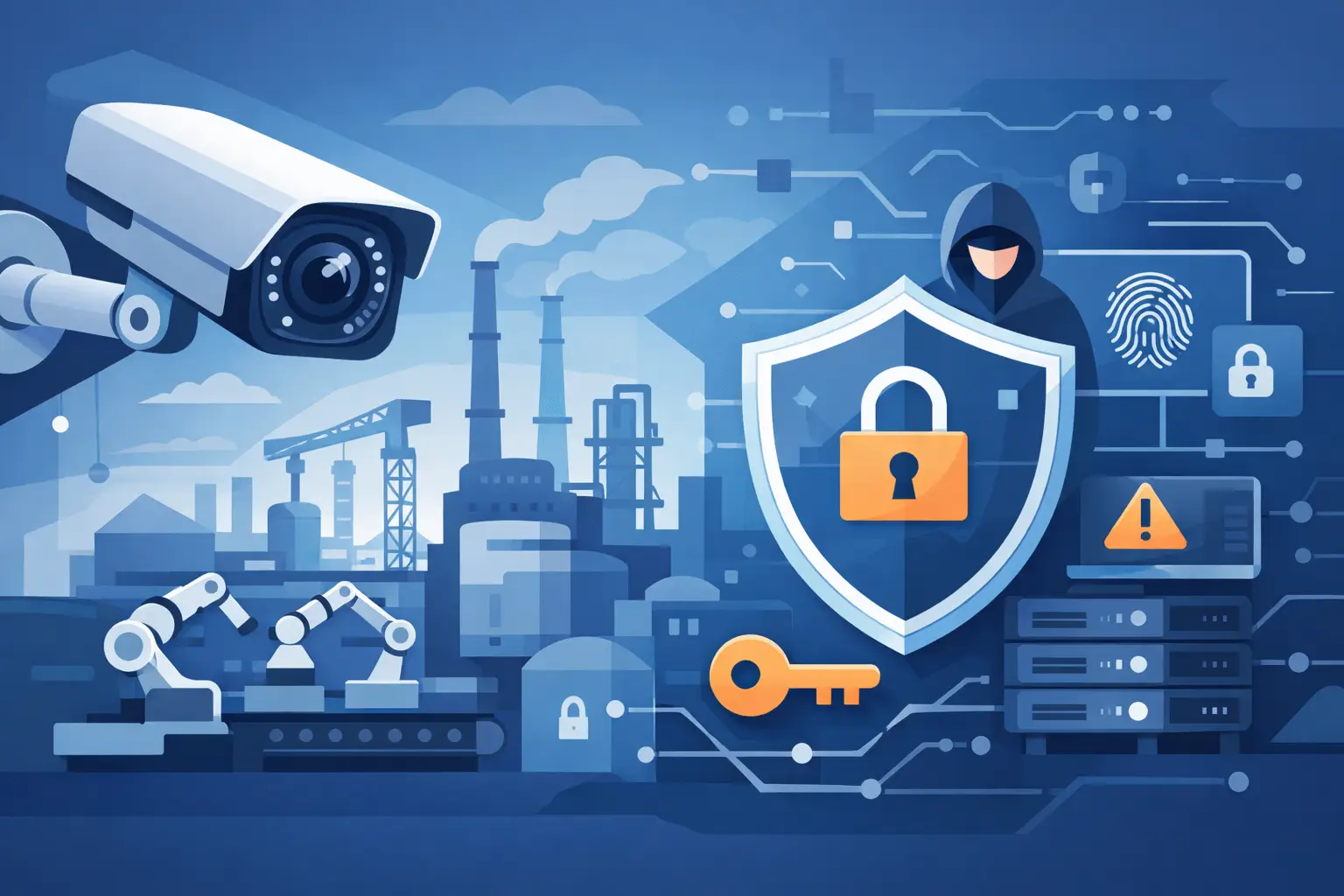
A camera overlooking a flare stack, engine room, tank farm, or offshore riser is not simply a viewing device. It is a network endpoint with access to valuable operational data. This industrial camera cybersecurity guide is built for teams that need continuous visibility without creating an easy path into a refinery, vessel, platform, power plant, or other critical facility.
Industrial surveillance has a different risk profile from office security systems. Cameras may operate at remote sites, connect through marine WiFi or satellite links, and remain in service for years under salt spray, vibration, heat, hazardous-area constraints, and limited maintenance access. A low-cost configuration mistake can expose live feeds, disrupt recording, consume scarce bandwidth, or give an attacker a foothold in a wider operational network.
Start With the Real Exposure of Industrial Cameras
The first question is not which camera has the highest resolution. It is where the camera sits, what it connects to, and what happens if it is compromised. A fixed network camera on a segregated video network presents one type of exposure. A camera with open remote access, outdated firmware, a shared administrator password, and a direct route to corporate or control systems presents another.
For oil and gas, chemical, marine, and energy operators, video may reveal production activity, personnel movements, berth access, vessel operations, security patrols, process areas, and incident response procedures. Leak detection and thermal imaging systems can add sensitive operational insight. That makes camera infrastructure a security asset and a potential intelligence source.
Cybersecurity planning should cover the complete video chain: cameras, encoders, network video recorders, video management systems, switches, wireless bridges, cellular or satellite routers, storage, user workstations, and vendor support connections. Securing one device while ignoring the rest of the path is not enough.
Segment Surveillance From Business and Control Networks
Network segmentation is the foundation of industrial camera security. Surveillance equipment should operate on a dedicated network segment or VLAN with tightly controlled routes to approved management and viewing systems. Cameras should never be placed casually on the same flat network as office devices, vessel administration systems, or operational technology.
The right design depends on the facility. A small marine vessel may need a compact system with limited onboard IT resources, while a refinery may require separate surveillance zones across multiple units and control rooms. The principle remains the same: restrict traffic to what the video system requires and deny unnecessary communication by default.
A practical architecture limits camera communications to the recorder or video management platform, approved time services, authorized management tools, and essential monitoring stations. If remote viewing is required, users should enter through a controlled gateway or virtual private network rather than connecting directly to an exposed camera interface.
Do not treat segmentation as a one-time installation task. Changes in camera count, switch configuration, remote access requirements, and contractor access can weaken original controls. Review network diagrams after every major expansion, refit, turnaround, or system integration project.
Avoid Direct Internet Exposure
Directly exposed cameras are a common and avoidable failure point. Internet search tools can identify devices with open web interfaces, weak credentials, obsolete software, or recognizable default ports. These systems can be discovered long before an operator realizes they are visible.
Remote access should use encrypted, authenticated channels managed by the organization. Disable universal plug-and-play features, unnecessary cloud relay services, and automatic port forwarding unless they have been formally approved for the deployment. Convenience is not a sufficient reason to leave a critical camera interface publicly reachable.
Control Identities, Passwords, and User Rights
Shared logins are common in industrial environments because crews rotate, contractors support equipment, and access may be needed during an incident. They are also a major accountability problem. If everyone uses the same administrator account, no one can reliably determine who changed a setting, exported footage, or disabled a feed.
Assign named accounts wherever the platform supports them. Separate administrators, operators, maintenance personnel, and view-only users according to their actual responsibilities. A watchstander who needs live views should not automatically have permission to alter network settings, erase recordings, or install firmware.
Every default password must be changed before commissioning. Use long, unique passwords stored in an approved credential management process, and remove accounts belonging to departed personnel and completed contractors. Where available, enable multi-factor authentication for management consoles and remote access portals.
Service access deserves special attention. Suppliers and integrators may need temporary connectivity for diagnostics, configuration, or warranty work. Grant that access for a defined period, log it, and remove it when the work is complete. Permanent vendor access is difficult to justify at a critical facility.
Keep Firmware and Software Under Control
Firmware vulnerabilities are not theoretical. Cameras, recorders, switches, and management platforms all require a disciplined update process. Yet patching industrial surveillance equipment involves trade-offs. An untested update can affect video streams, analytics, integration settings, or recording continuity. A vessel at sea or an offshore platform on a constrained link may not be able to download large files during normal operations.
The answer is controlled maintenance, not indefinite delay. Maintain an asset register that records each device model, serial number, location, IP address, firmware version, support status, and assigned owner. Review supplier advisories and evaluate their relevance to the installed environment.
Before broad deployment, test updates on a representative system where possible. Confirm that live viewing, recording, playback, alarms, remote access, and integrations continue to work as expected. Schedule changes during a maintenance window, retain a rollback plan, and verify system health after the update.
Equipment approaching end of support should be treated as a procurement and risk-management issue. If security fixes are no longer available, compensating controls may reduce exposure temporarily, but replacement planning is the better long-term decision. Lowest purchase price rarely delivers the lowest lifecycle cost.
Protect Video Data and Recording Availability
Security teams often focus on preventing unauthorized viewing. Availability matters just as much. During a spill, perimeter event, machinery failure, security breach, or collision investigation, missing footage can delay decisions and weaken evidence.
Protect recording systems against both cyber disruption and physical failure. Size storage for required retention periods, expected resolution, frame rate, camera count, and event-based recording rules. Monitor storage capacity and recorder health so that a failed drive, full disk, or disconnected camera is identified before a critical event occurs.
Encryption should be considered for video in transit and for stored footage, especially where feeds cross public networks, wireless links, or third-party infrastructure. However, encryption settings must be validated against available processing capacity and bandwidth. On low-bandwidth marine connections, a poorly planned configuration can affect operational viewing quality. Security controls must support the mission, not obstruct it.
Backups also need protection. Configuration backups, user databases, certificates, and critical recordings should be retained under defined access controls. Test restoration procedures. A backup that cannot be restored quickly during an investigation is only an assumption of resilience.
Monitor the Camera Network for Warning Signs
Industrial camera systems should generate useful operational and security alerts. Repeated failed logins, unexpected configuration changes, cameras communicating with unapproved external addresses, recorder storage failures, and devices dropping offline can all signal a problem.
Monitoring does not require overwhelming a control room with notifications. It requires selecting meaningful events, assigning responsibility, and defining what happens next. A disconnected camera at a remote gate may require a different response from a lost feed in a hazardous process area or an unauthorized login attempt against a management server.
At minimum, teams should document four actions:
- Who receives alerts for camera, recorder, and network failures.
- How suspected unauthorized access is contained and investigated.
- How video evidence is preserved after a safety or security event.
- Who can authorize emergency remote support and system changes.
These procedures should be exercised during drills, not written and forgotten. The best response plan is the one a watch team, engineer, security manager, and IT lead can follow under pressure.
Specify Cybersecurity During Procurement
The strongest industrial camera cybersecurity guide begins before equipment reaches the site. Procurement teams should request cybersecurity documentation alongside image specifications, environmental ratings, mounting options, warranty terms, and delivery schedules.
Ask suppliers how devices handle secure credentials, encrypted communications, signed firmware, vulnerability reporting, update availability, audit logs, user roles, and product support life. Confirm whether components can operate without unnecessary external cloud dependency. For hazardous, offshore, and marine applications, also verify that the security design works with the real network conditions and maintenance limitations of the installation.
A top-of-the-line surveillance package is not defined by optics alone. It must deliver dependable video performance, controlled access, maintainable software, and an architecture that can be supported for the life of the asset. Revlight Security helps industrial buyers align specialized surveillance and network equipment with the operating environment, visibility requirements, and security controls that matter on site.
Make Cybersecurity an Operating Discipline
Camera cybersecurity is not completed when commissioning documents are signed. It is sustained through access reviews, firmware planning, monitoring, network change control, and clear ownership. Facilities that treat surveillance as critical infrastructure are better positioned to protect personnel, operations, and evidence when conditions become difficult.
The right next step is simple: review one active camera network as an attacker would. Identify what is exposed, who has access, what is unsupported, and whether recordings would still be available after a network incident. That review turns security from a specification on paper into a measurable operating advantage.
🛡️ Secure Your Home or Business Today
Protect your home, office, shop, or business with reliable CCTV security cameras. Explore our range of CCTV cameras and find the right security solution for your needs.
Explore CCTV Cameras ✉️ Email Us

 Singapore :
+65-6708-9302
Singapore :
+65-6708-9302