
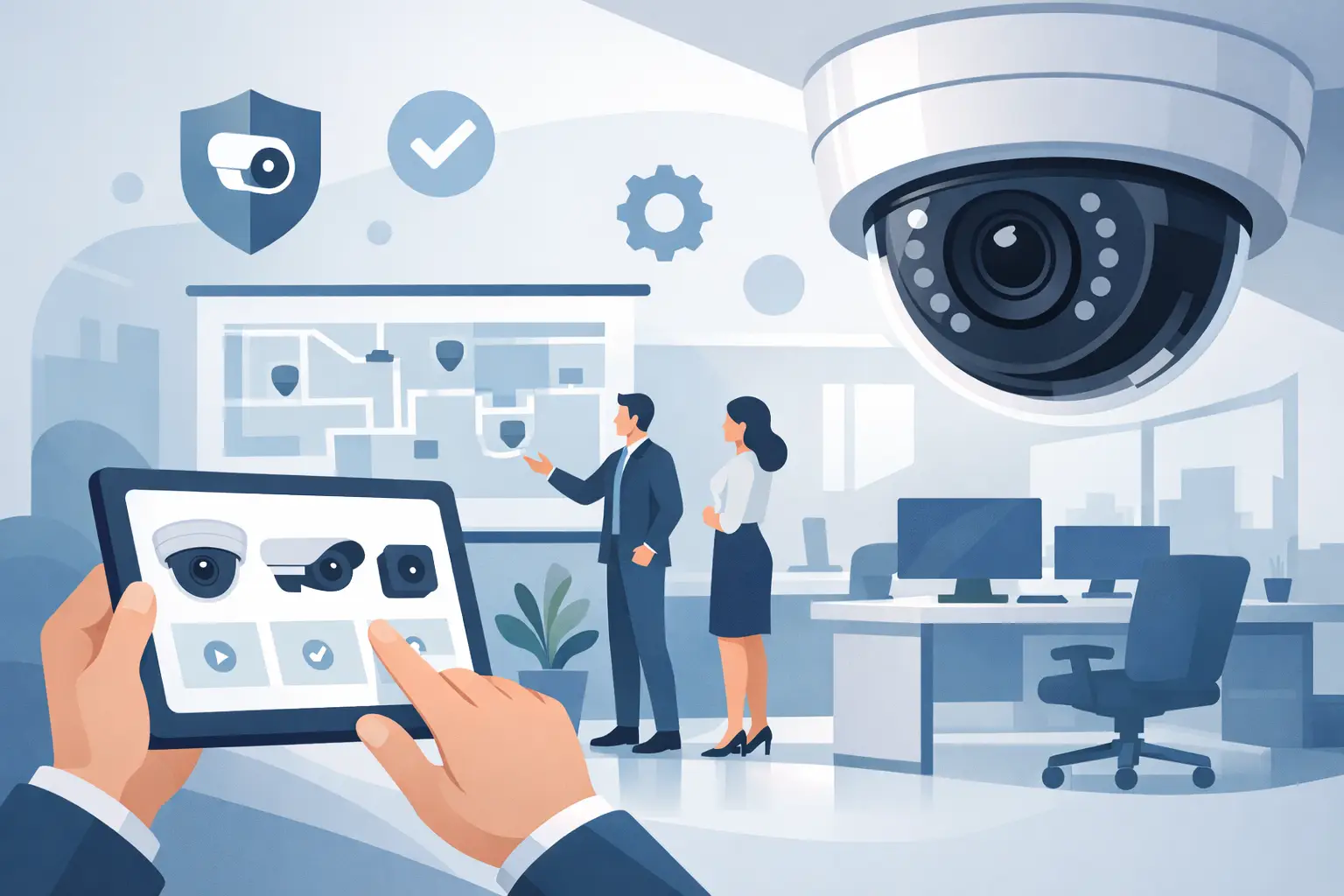
A missing laptop, an after-hours access dispute, or a delivery that never reached the stockroom can turn a normal workday into a costly investigation. That is why choosing the right cctv camera for office use is not a minor facilities decision. It is a security, accountability, and operations decision that affects people, assets, and business continuity.
Office surveillance is often treated as a basic commodity purchase. In practice, buyers who take that route usually end up with poor coverage, weak image detail, limited playback, or systems that become difficult to manage as the site grows. A better result comes from matching the camera system to the office layout, risk profile, network capacity, and the level of evidence you may actually need.
What a cctv camera for office use needs to do
An office camera system has a different job than a perimeter system at a refinery, a marine surveillance setup, or a hazardous-area installation. The environment is cleaner and more controlled, but the operational demands are still serious. You need reliable recording, clear identification, efficient storage, and simple review when incidents happen.
For most offices, the core goals are straightforward. You want to monitor entrances and exits, reception areas, hallways, parking access, storage rooms, server rooms, cash handling points, and any area where disputes, unauthorized access, or safety incidents are likely. In many cases, remote access is just as important as recording itself, especially for regional managers or facilities teams responsible for multiple sites.
That said, not every office needs wall-to-wall surveillance. Over-specifying the system can raise costs without improving outcomes. Under-specifying it creates blind spots and weak evidence. The best service provider will steer the buyer toward practical coverage, not just a higher camera count.
Start with risk, not camera count
One of the most common buying mistakes is asking how many cameras are needed before defining what the system must capture. A small office may need more precise coverage than a larger one if it handles sensitive records, visitor traffic, controlled inventory, or high-value equipment.
Start by identifying where incidents are most likely and where recorded evidence would matter most. Front entrances usually need facial detail. Loading or delivery areas may require wider scene coverage. Open-plan offices often need general oversight rather than close-up identification. IT rooms, finance offices, and document storage areas usually demand tighter views and higher image quality.
This is where commercial thinking matters. A camera that simply shows movement is not the same as a camera that supports an investigation. If the image cannot identify a face, badge, or object clearly enough during playback, the lower upfront cost does not translate into savings.
The main camera types for office environments
The right cctv camera for office use usually falls into a few practical categories. Dome cameras are a strong fit for indoor ceilings because they are compact, professional-looking, and less vulnerable to tampering. They work well in receptions, corridors, meeting room approaches, and shared office areas.
Bullet cameras are more visible and are often chosen for building exteriors, parking zones, and side entrances. Their form factor makes direction easier to read, which can act as a deterrent. Turret cameras are also popular because they deliver strong image quality with flexible positioning and fewer reflection issues in some lighting conditions.
There is no single winner across every office site. A headquarters reception may benefit from discreet indoor domes, while an industrial administrative building may need a mix of indoor cameras and tougher outdoor units with weather resistance, infrared capability, and strong low-light performance.
Image quality, low light, and real evidence
Resolution matters, but not in the simplistic way many buyers assume. Higher megapixel ratings can improve detail, but image quality depends just as much on lens choice, sensor performance, lighting conditions, compression, and placement height.
For office use, good 1080p coverage may be enough in general circulation areas, while entrances, cash points, or access control doors may justify higher resolution. If your office has glass-fronted entrances, strong backlighting, or dim after-hours conditions, wide dynamic range and low-light performance become critical. Otherwise, faces can turn into silhouettes and key details disappear at exactly the moment you need them.
A camera system should be judged by playback quality during an incident, not by a specification sheet alone. That is the difference between a camera installed for appearance and a camera installed for performance.
Storage, retention, and playback speed
Storage planning is where many office projects become expensive after installation. More cameras, higher resolution, and longer retention all increase storage demand. If a buyer wants continuous recording across multiple office zones for 30, 60, or 90 days, that requirement needs to be designed in from the start.
There is also a trade-off between continuous recording and event-based recording. Continuous recording gives full context and is often preferable in offices where incidents can develop gradually. Event-based recording saves storage, but it depends on reliable motion or analytics triggers. In busy office environments, that can either produce too many clips or miss the detail around an event.
Playback matters too. Security teams and office managers do not want a system that makes footage hard to locate or slow to export. A well-designed recorder or network video platform should make search, review, and evidence retrieval straightforward. Time saved during an investigation has real commercial value.
Remote access and network impact
Most professional buyers now expect remote viewing from authorized devices. That expectation is reasonable, but it should be handled with discipline. A surveillance system connected to the office network has to be managed with security in mind. Access rights, password control, encrypted connections, and user permissions are not optional extras.
Bandwidth planning is equally important. A multi-camera office system can put pressure on the network if settings are poorly configured. Frame rate, bitrate, live view demand, and remote playback all affect performance. This is especially relevant for multi-site operations where several offices feed into a central management approach.
For procurement teams, the question is not only whether remote access is available. The real question is whether the system delivers remote access without weakening cyber hygiene or disrupting business traffic.
Placement mistakes that reduce system value
A poor installation can undermine even top-of-the-line offers. Cameras mounted too high often capture the tops of heads instead of usable facial detail. Cameras pointed toward bright windows can lose indoor clarity. Wide-angle placement may create a good general view while sacrificing the detail needed for identification.
Coverage overlap is useful at key transitions such as entrances, reception desks, and corridors leading to restricted areas. Blind spots around corners, door swing zones, and partition lines should be checked before sign-off. Audio recording, where legally appropriate, also requires careful consideration because compliance rules vary by jurisdiction and workplace policy.
In office projects, clean installation matters commercially as well as technically. Visible cable disorder, poorly aligned devices, and badly placed recorders do not support a professional working environment. Buyers want security infrastructure that performs well and reflects the standards of the business.
How to compare office surveillance systems properly
Price matters, but line-item comparison alone is not enough. A lower-cost system may look attractive until you factor in recorder limits, weak night performance, difficult mobile access, short retention, or hardware that cannot scale when the office expands.
A better comparison looks at total operational value. That includes camera durability, recorder capacity, user interface quality, image performance under actual office lighting, remote management, warranty support, and the availability of future upgrades. If a business expects to add access control integration, additional branches, or more analytic features later, that should shape the purchasing decision now.
This is especially important for industrial groups and multi-site operators. Even when the immediate requirement is a standard office fit-out, many buyers benefit from working with a supplier that understands wider surveillance infrastructure. Revlight Security operates from that engineering-backed perspective, where the system is expected to perform reliably, scale cleanly, and support serious operational accountability.
The best cctv camera for office use depends on the office
There is no universal best camera for every office. A corporate front office, a port administration building, a refinery operations office, and a ship management branch all present different priorities. Some need stronger visitor oversight. Some need more secure room coverage. Some need durable outdoor monitoring at the office perimeter as much as indoor surveillance.
That is why the best buying decision starts with use case, not marketing language. The right system should give clear evidence, dependable recording, manageable storage, secure remote access, and room to grow. It should also fit the working environment without creating friction for staff or management.
When office surveillance is specified properly, it does more than record events. It reduces dispute time, strengthens access control, supports incident response, and gives management a clearer view of what is happening across the site. That is the kind of value worth paying for, and it is usually visible long after the installation invoice is filed away.
🛡️ Secure Your Home or Business Today
Protect your home, office, shop, or business with reliable CCTV security cameras. Explore our range of CCTV cameras and find the right security solution for your needs.
Explore CCTV Cameras ✉️ Email Us

 Singapore :
+65-6708-9302
Singapore :
+65-6708-9302